

Most decluttering advice ends at the decision to remove something. The zero-waste version begins exactly there: what happens to the item next? The trash-bag default — fill a bag, set it at the curb — is the path of least resistance and rarely the right one. A working toaster at the curb is waste. A serviceable dresser hauled to the landfill is waste. A jacket in good condition stuffed into a black bag is waste. Zero-waste decluttering is simply the practice of deciding the right exit path for each category before the sort begins, so that removing things doesn't just relocate them to a dump.
Map the Exit Path Before You Sort
Every item in a home can leave through one of four routes: reuse by another person, repurposing, recycling, or disposal. The whole point is to push as much as possible through the first three and shrink the fourth to almost nothing. Deciding the route in advance keeps you from stalling mid-sort — the moment you're holding an item with no plan for it is the moment the trash bag wins by default. The table below maps common decluttering categories to their best exit.
| Item category | Best exit path | Where it goes |
|---|---|---|
| Clothing in good condition | Donation or resale | Goodwill, Poshmark, Depop |
| Worn-out textiles and shoes | Textile recycling | H&M in-store bins, dedicated recyclers |
| Furniture worth over $30 | Local resale | Facebook Marketplace, Craigslist |
| Books | Specialized donation | Library sales, Better World Books |
| Electronics and cables | Electronics recycling | Best Buy drop-off, R2 recyclers |
| Paint, oil, batteries, bulbs | Hazardous-waste program | County collection events, Earth911 finder |
Donation and Resale: Where Working Items Go
Donation fits items in functional condition that another person would genuinely use. Thrift stores such as Goodwill, the Salvation Army, and local equivalents accept most clothing, housewares, books, furniture, and small appliances, though acceptance criteria vary — call or check the location's page before hauling in a load of uncertain-condition items. Specialized programs often do more good than a general thrift drop: book-specific programs and library sales for books, medical-equipment exchanges for wheelchairs and crutches, tool libraries for working hand and power tools, and pet-supply programs for unused animal goods. For evidence-based guidance here, see the Natural Resources Defense Council.
Resale makes sense above roughly a $20 to $30 value, where the effort of listing pays for itself. Local platforms like Facebook Marketplace, Craigslist, and OfferUp handle furniture and large items not worth shipping, while eBay, Poshmark, and Depop reach a national buyer pool for clothing and collectibles. If an item has sat unlisted for a week because photographing it feels like a chore, that's a signal to donate it instead and reclaim the decision. A useful rule of thumb: if the likely resale return is under $20 or the listing effort outweighs the payoff, route it straight to donation and keep the momentum of the sort going rather than letting a pile of "sell later" items accumulate by the door.
Recycling Beyond the Curbside Bin
Curbside recycling covers paper, cardboard, glass, and standard plastic and metal containers. It does not cover the electronics, textiles, and hazardous materials that surface in almost every decluttering sort, and putting those in the bin usually sends them to landfill anyway. Best Buy accepts most consumer electronics — computers, monitors, phones, cameras, cables, batteries — at no charge; for data-sensitive drives, an R2-certified recycler with a chain-of-custody record is the right choice, and drives should be erased first. Clothing, fabric, and shoes in any condition, including worn-out pieces, go to most Goodwill locations or dedicated textile bins, where unsellable textiles become industrial rags and fiber fill rather than landfill.
Hazardous material needs its own route: old paint, motor oil, batteries of every type, fluorescent bulbs, and leftover cleaning products should never go in regular trash. Earth911's location finder matches a specific material to a nearby drop-off by zip code, and most counties run periodic hazardous-waste collection events listed on their municipal waste sites.
The Parallel Digital Declutter
Digital clutter carries a different overhead than physical clutter but a real one: storage cost, the attention drain of notification badges and a crowded desktop, subscriptions that keep billing, and the search friction of too many files with too little order. A digital sort runs alongside the physical one and covers five fronts. Photos come first — a typical phone library holds thousands of duplicates, accidental blurry shots, and long-forgotten screenshots; the "Manage Storage" tools in Google Photos and Apple Photos surface duplicates and blurry frames, and 100 to 200 photos per session moves the library from overwhelming to curated over a few weeks.
Email is next: unsubscribe from mailing lists before you archive or delete, since the unsubscribe link at the bottom of marketing mail is legally required for compliant senders. Apps follow — remove anything not opened in 60 days, where the freed storage matters less than the shorter, calmer app list. Subscriptions reward a single bank-statement pass for recurring charges: streaming, app memberships, and cloud tiers usually turn up one to three services barely used, worth canceling before the next billing cycle. Files come last; the biggest space hogs are old video files and program installers, which a storage analyzer like WinDirStat or DaisyDisk ranks by size so you can work from the largest down.
Running Both Sorts Together
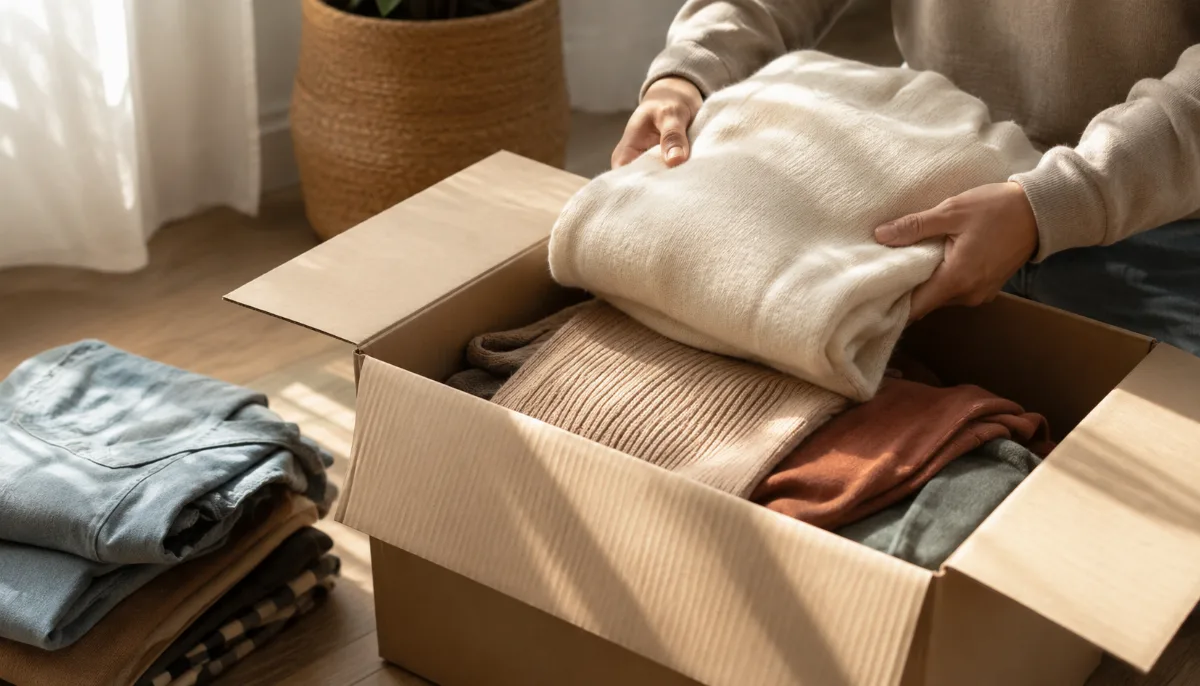
A 30-day combined pass keeps both environments moving in step. Week one takes the high-contact physical zones — kitchen surfaces, bathroom, clothing — paired with the digital easy wins of the app cull and subscription audit. Week two moves to storage areas like closets, under-bed bins, and utility spaces, alongside email cleanup. Week three handles the sentimental and difficult items — books, gifts, children's things — with the first pass on the photo library. Week four is a final physical sweep for anything missed, plus the file and cloud cleanup. Each week produces visible results on both sides: donations leaving the house and storage space returning, subscription costs ending and a device that loads faster.
Keeping Clutter From Returning
The exit paths above clear the current inventory; whether clutter comes back depends entirely on inflow. A one-time whole-house declutter with no change at the entry point tends to return a home to its former density within a couple of years, because the flow of incoming stuff that built that density simply continued. Three habits hold the line: a 48-hour pause on non-essential purchases, a consistent one-in-one-out rule, and a default "no" to free items without a specific use in mind. Together they cut inflow enough that a small daily habit keeps the home balanced without another marathon sort.
Digital clutter returns faster than physical — apps reinstall, subscriptions renew on their own, mailing lists refill. A quarterly 15-to-20-minute audit covering subscriptions, installed apps, and email unsubscribes preserves the clarity from the first pass without another big effort. Run physically and digitally together, the payoff compounds: less to manage, lower recurring bills, and a screen that no longer competes for attention with the space you just cleared. See also: 21 items to declutter this weekend and daily decluttering routines.
Comments
No comments yet.