
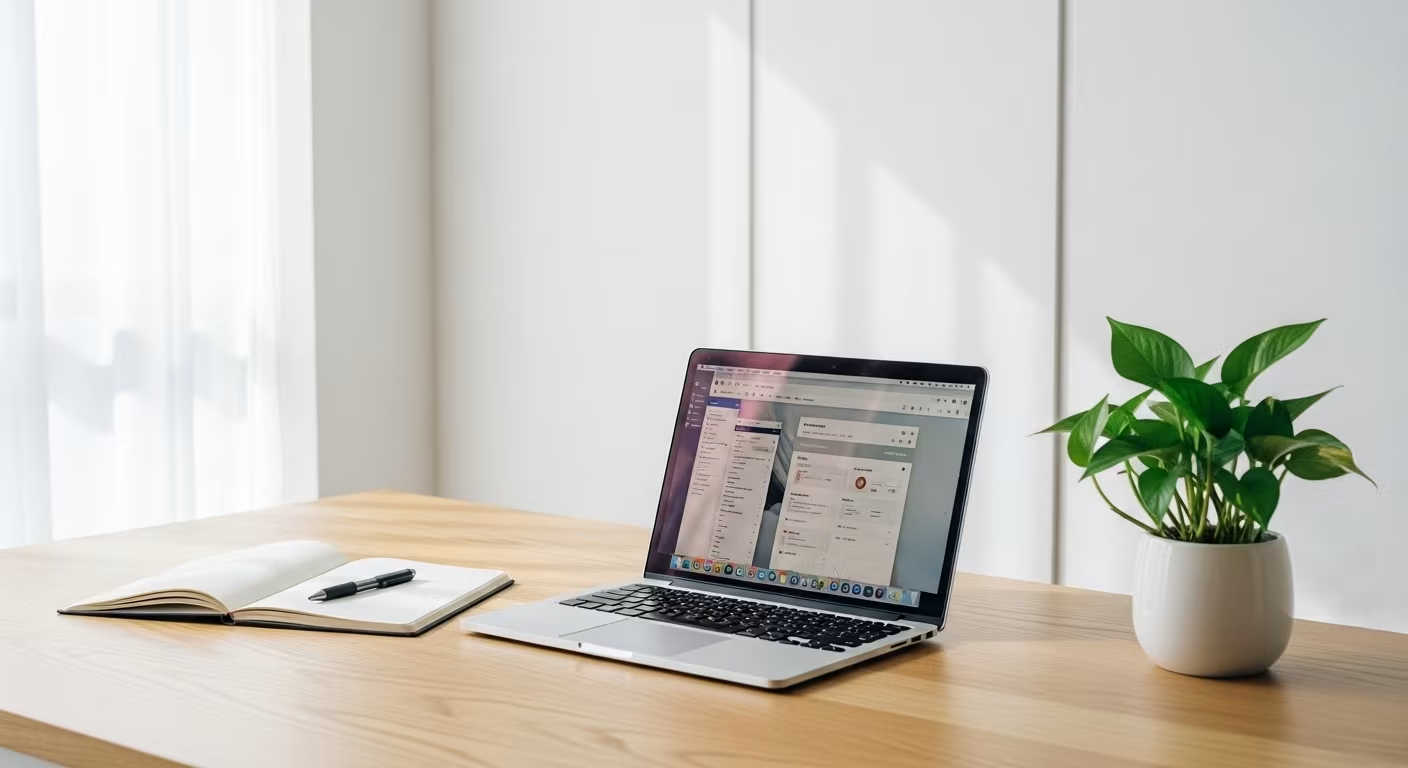

Why the Home Office Fills Up Twice as Fast
The home office collects clutter from two directions at once. Work pushes in a steady stream of documents, cables, devices, and stationery. Home pushes back the other way, because the desk is a big flat surface and "I'll sort it later" is easy when a workspace is sitting right there. The room ends up holding work materials in every state of currency, household items with nowhere else to land, gear that may or may not still be in service, and a nest of cables joining devices to devices for reasons no one remembers.
For anyone working from home, this room quietly sets the tone of the day. A cluttered desk asks the brain to filter before a single task starts; a workspace with less in view gives attention fewer things to snag on. That is the practical case for keeping the office lean — not a tidiness preference but the difference between opening a laptop into readiness and opening it into a to-do list of small physical distractions.
The Desk: Your One Critical Surface

The desk surface is the single most important decision in the room, because it is where the work happens and because everything sitting on it enters your field of view all day. A stapler used twice a month, a stack of unrelated mail, a second coffee mug from yesterday — none of it demands attention, but all of it competes for a share of it.
Work from a cleared desk: the surface holds only what the current task needs, and everything else lives in a drawer, on a shelf, or in a defined spot off the desk. At the end of the day, reset the surface to empty so the next morning starts ready instead of starting with cleanup. For most people the hard part is paper, because the desk has quietly become the default landing pad for every document that enters the house — a problem worth solving on its own rather than shuffling around the surface.
Right-Sizing Equipment and Cables
Office equipment piles up in predictable ways. Old laptops and monitors stay "just in case" after being replaced. A printer used four times a year claims a permanent chunk of desk or floor. External drives and dongles breed as each new device demands a different port. Cables gather because they are small and because working out which one belongs to what takes effort that is easy to postpone indefinitely. This lines up with Oregon State University Extension.
Audit against one question: what does the actual work day use? For most remote roles that is a computer, an external monitor if the laptop screen is too small, a keyboard and mouse, and a couple of task-specific peripherals. Everything outside that set is a candidate for storage elsewhere or for release. The retired laptop kept "for backup" that has not been switched on in a year is rarely the backup anyone reaches for in a real emergency; a current machine and a cloud or external copy of the files does that job better. Then give cables their own pass. Every cable not currently connecting a device in use gets matched to its device or retired — the cord for a printer you sold, the spare for a connection that has never failed once, the mystery cable that has ridden in the drawer for three years. An afternoon of identifying and releasing resolves a category that otherwise accumulates without a single deliberate decision, and a small labeled pouch for the handful of chargers and cords you genuinely keep prevents the pile from re-forming.
A Paper System That Actually Holds
Paper is the office's most stubborn pile because it arrives faster than most people's system can process it: mail, printouts, reference sheets, receipts, sticky notes. Left alone it settles on whatever surface is nearest, which is almost always the desk.
The systems that work share the same three parts: one inbox tray where all incoming paper lands, a fixed processing rhythm — daily, or every couple of days — and a simple filing spot for what genuinely needs keeping. The rhythm is the part that matters; without it the tray just becomes a neater pile. Cutting paper off at the source helps more than any folder. Statements switched to electronic delivery never arrive to be filed, notes taken on a phone or laptop never become paper, and a receipt photographed for expenses does not need a physical home. Handling each recurring category once, at the point where it currently enters as paper, shrinks the ongoing burden more durably than any filing habit.
The Reference Shelf Nobody Reads

Plenty of offices hold books and manuals that earned their place once and have not been opened since. A career's worth of technical references, industry titles, and management paperbacks tends to stay put long after the material went out of date or the job that needed it moved on.
Use the same test as any other shelf: is it used, and how recently? A reference you open monthly belongs at arm's reach. One you last touched five years ago is better released and, if it is ever genuinely needed again, re-acquired digitally in minutes. The shelf you free up becomes room for current material and for a little visual quiet behind the desk — which turns out to matter more than the storage itself.
Designing the Room for Focus
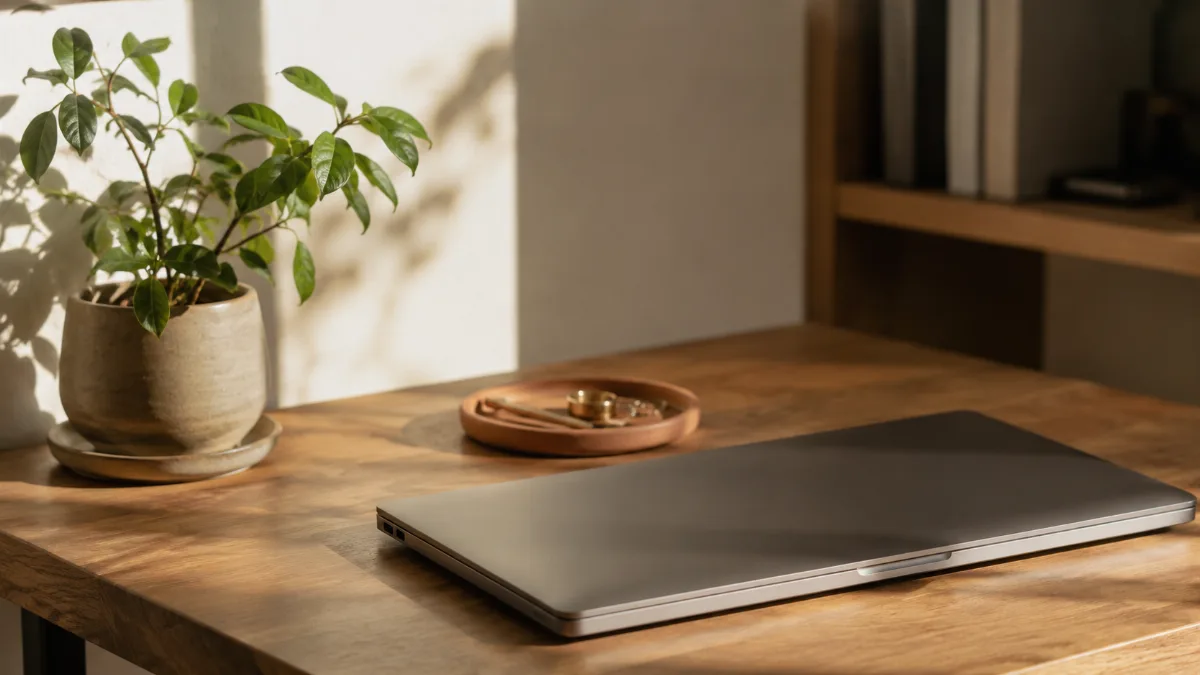
Past decluttering, the minimalist office is arranged around one criterion: focus. What lands in your field of view from the seat where you actually work? A wall of busy shelving and dense spines sits in the background of every video call and every stretch of deep work, adding a low hum of visual load you stop noticing but keep paying for.
A few small moves help. Facing the desk toward a wall rather than into the room shrinks the visual field to the work surface and the wall behind it. A single plant or one framed print gives the eye a place to rest without adding clutter. Turning off nonessential notifications protects the attention the tidy room is meant to support, and putting the phone face down in a drawer during focused blocks removes the most frequent interruption of all. Lighting matters as well: a desk placed near a window, or lit by one warm lamp rather than a bright overhead fixture, reads as calm in a way a cluttered surface never can, and it costs nothing to arrange. The broader framework lives in our guide to creating a productive home workspace, and the same restraint that shapes a good desk carries across the rest of a minimalist home.
Keeping the Office Ready
Work generates output — documents, notes, mail — so the office backslides quickly without a small daily habit. Close each day with a reset: clear the desk to empty, run the inbox tray, and send back anything that drifted in from the rest of the house during the day. It takes five to ten minutes and buys you a workspace that opens ready every morning, instead of one that demands a tidy-up before the first real task can begin.
The office rules:
| Rule | How | Why |
|---|---|---|
| Cleared desk | only the current task's materials in view | everything on it competes for attention |
| End-of-day reset | surface returns to empty | mornings start ready, not with cleanup |
| Equipment audit | the quarterly-use printer, the “just in case” old laptop | earn a spot or leave the room |
| Paper | solve the landing-pad problem separately | shuffling it around the desk is not a system |


Comments
No comments yet.