
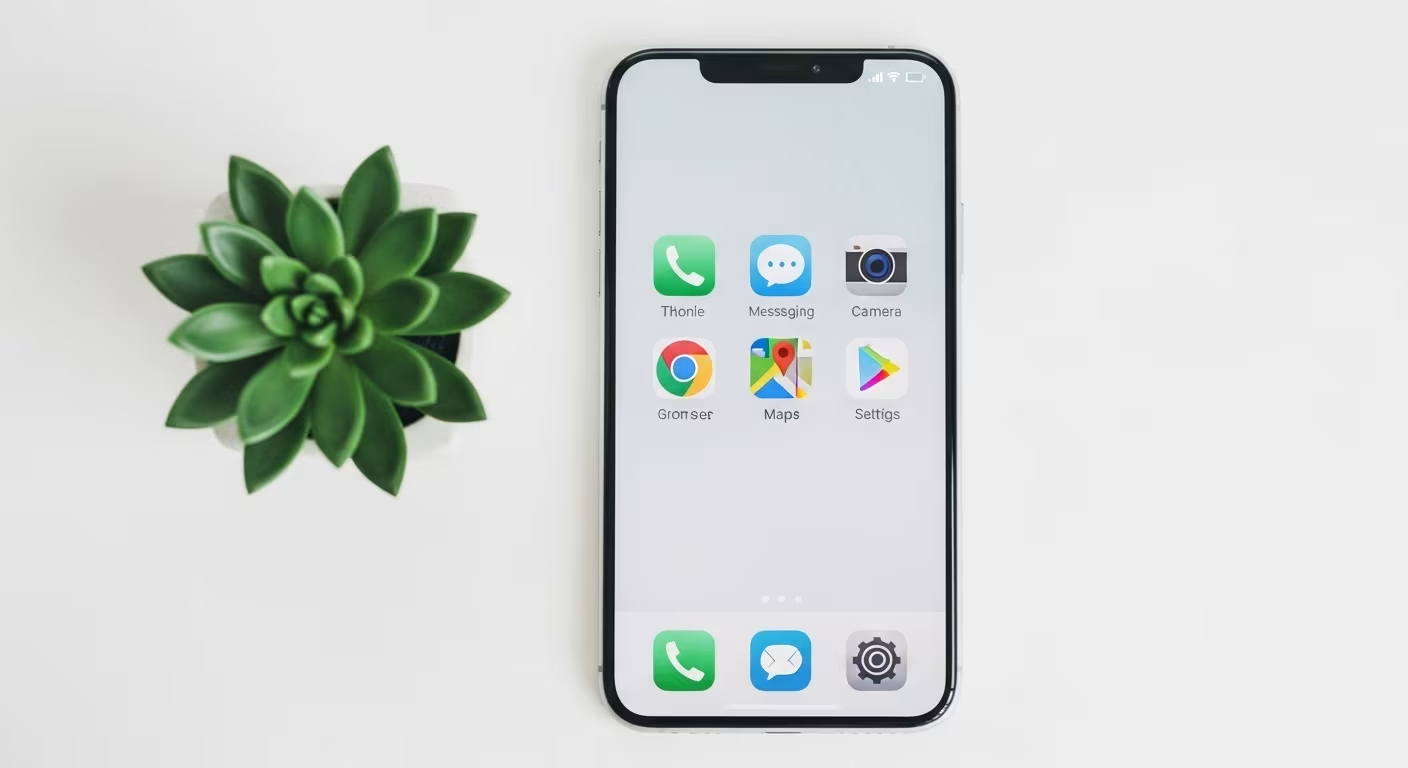

Why Phones Fill Up With Apps
The average smartphone carries far more apps than its owner regularly uses. They accumulate along a few predictable routes: downloaded once for a single task and never opened again, pre-installed by the manufacturer or carrier and never touched, social media platforms joined briefly and abandoned, and games installed during a slow afternoon and forgotten by the next. The result is a phone that is more crowded to navigate and more distracting to use than it needs to be.
The reason it drifts in one direction is a cost asymmetry. Each of those download paths carries almost no friction at the moment of acquisition — most apps are free, and installing one takes a few seconds and a thumbprint. The threshold for adding an app is far lower than the threshold for adding any physical object to a home, and there is no equivalent natural force pulling the other way. Nothing wears out, takes up visible floor space, or has to be carried, so inventories only grow unless someone deliberately prunes them. Each unused app still occupies screen space, fires the occasional notification, and adds a sliver of visual noise every time the phone is opened, until the device feels like a cluttered space rather than a small set of useful tools.
The App Audit
The starting point is an honest audit. Go through every app on the phone and ask three questions: when did I last open this, could I do the same thing with an app already installed, and would I notice its absence if it vanished tonight?
Most apps fail at least one. An app untouched in three months is a deletion candidate regardless of why it was installed. The rare exception is the rarely used app that provides critical function on the day it is needed — a first-aid reference, an emergency contact tool, an airline app before a flight — and those earn their place; a general-purpose app opened once in half a year does not. The audit also surfaces duplication: two note apps, three music players, several messaging platforms doing overlapping jobs. Consolidating to one app per function is almost always better than keeping several that split your attention, your data, and your muscle memory across near-identical options.
Both platforms report which apps you actually open, which makes the audit factual rather than a guess. On iPhone: Settings → Screen Time → See All App & Website Activity, then switch the view to Weekly. On Android: Settings → Digital Wellbeing → Dashboard. Sort by time and note anything opened under 5 times in the last week.
Sort the list into four groups: daily tools that earn their place, weekly tools worth keeping, apps used only occasionally that work fine in a browser, and apps not opened in 90 days. The last group leaves. The third group is the one that surprises people — banking, shopping and travel sites almost all work in a mobile browser, and moving them there removes both the icon and the notifications while keeping the function.
Organizing What Remains
Once the unused apps are gone, the survivors can be arranged around how the phone is actually held rather than by tidy category. Put the apps you open most on the first screen, in the spots your thumb reaches without stretching, so the tools you use constantly cost the least effort to reach. Apps opened only occasionally belong in a folder or on a second screen — visible when wanted, invisible the rest of the time.
The home screen works as the phone's face: whatever sits on it gets seen every single time you pick the phone up. That visibility is itself a prompt. An app on the home screen gets opened partly because it is there, so keeping only genuinely daily tools in view cuts the incidental opening of apps you did not actually set out to use. Social media apps in particular are better placed a screen away than on the first page, where their icon is a standing invitation each time the phone wakes.
Default Apps and Their Hidden Costs
Every smartphone ships with default apps for the basics: messaging, email, calendar, notes, maps, browser. These are adequate for most purposes and arrive with no extra install and no new account to create. Using the default where it meets the need avoids stacking third-party alternatives that duplicate a function while adding their own logins, sync settings, and update cycles.
A third-party app earns its place when it delivers a specific capability the default lacks — not simply because it exists or was recommended. A notes app with cross-platform sync and formatting tools justifies itself for someone who uses those features daily; the same app installed on a recommendation and then used exactly like the built-in one is pure overhead. The identical logic applies to replacing a default: a browser with a built-in ad blocker is a real improvement for someone whose browsing is degraded by advertising, while switching browsers with no particular gain in mind adds complexity for nothing.
Social Media Apps Are a Special Case
Social media apps differ from the rest of the phone by design intent. Most utility apps are built to help you finish a task and leave — you open the weather, get the forecast, and close it. Social media apps are built to keep you inside as long as possible, through recommendation engines, notification systems, and feeds with no bottom. That goal is fundamentally at odds with the goal of nearly every other app on the device.
The practical consequence is that a social media app on the home screen gets opened more often, and used longer, than its actual value justifies. Moving it off the home screen, or deleting it and reaching the platform through a browser instead, is a structural change that reduces use without requiring any ongoing act of willpower. It is the same lever as the rest of app minimalism — reducing what is in easy reach — applied to the apps most engineered to resist it. A useful test is to notice how you feel closing the app: a utility app leaves no residue, while a feed-based one often leaves the sense that a stretch of time went somewhere without much to show for it. That gap between opening intent and closing feeling is the clearest signal that an app belongs a screen away rather than under your thumb.
Build the List From Zero
An intentional app inventory is short enough to write on a single page. Each app on it serves a specific function no other app handles, gets used at least weekly, and produces genuine value. Everything past that line is a deletion candidate by default rather than by exception.
The most revealing way to arrive at the list is to build it forward instead of pruning backward. Imagine setting up a brand-new phone and choosing only what to install, rather than deciding what to remove from the phone you have. Starting from zero and adding only what is genuinely needed almost always produces a shorter list than the subtract-from-the-pile approach, because it drops the quiet bias toward keeping whatever is already there. It also makes the target state concrete, which turns the ongoing job into a simple test: does this new app belong on the one-page list, or not? It helps to cross-check ideas like these against the National Institute of Mental Health.
Keeping the inventory lean afterward costs less than the first cleanup did. A brief pause before installing anything new — naming the specific function it will serve and checking whether an existing app already covers it — heads off most accumulation before it starts. That five-second filter is far cheaper than the periodic audit needed to clear out everything that slipped in without one.
Review Permissions While You're In There
An app audit is also the natural moment to check which apps hold access to which device resources: location, microphone, camera, contacts, health data. Apps routinely request permissions broader than their function requires, and those grants pile up quietly across the whole inventory the same way the apps themselves do.
Revoke anything not clearly tied to an app's core job — location for a tool that has no reason to know where you are, microphone for an app that never records audio. Beyond the obvious privacy gain of sharing less data, cutting background access can occasionally improve battery life where an app was quietly working while unused. The permissions review lives in device settings under privacy or security, grouped by permission type, so you can see the full list of everything with camera or location access at once and trim it in a single pass. Do it on the same afternoon as the audit, while the phone is already open and the unused apps are already gone.
Three permissions are worth checking on every app that remains, because they are the ones granted once and never revisited. Location: iPhone Settings → Privacy & Security → Location Services, Android Settings → Location → App location permissions — most apps need "While Using" rather than "Always", and many need none at all. Microphone and camera: the same menus list every app holding access. Background app refresh, which drains battery and data for apps that do not need current data when closed.
Both platforms now report unused permissions automatically: iPhone's App Privacy Report (Settings → Privacy & Security) shows which apps accessed what and how often, and Android removes permissions from apps unused for a few months. Reading that report once tends to remove more apps than any decluttering intention does.
The four-group sort:
| Group | Action |
|---|---|
| Daily tools | front screen |
| Weekly tools | keep, second screen |
| Occasional | folder or delete-and-reinstall |
| Opened <5× last week | the honest audit line |


Comments
No comments yet.