
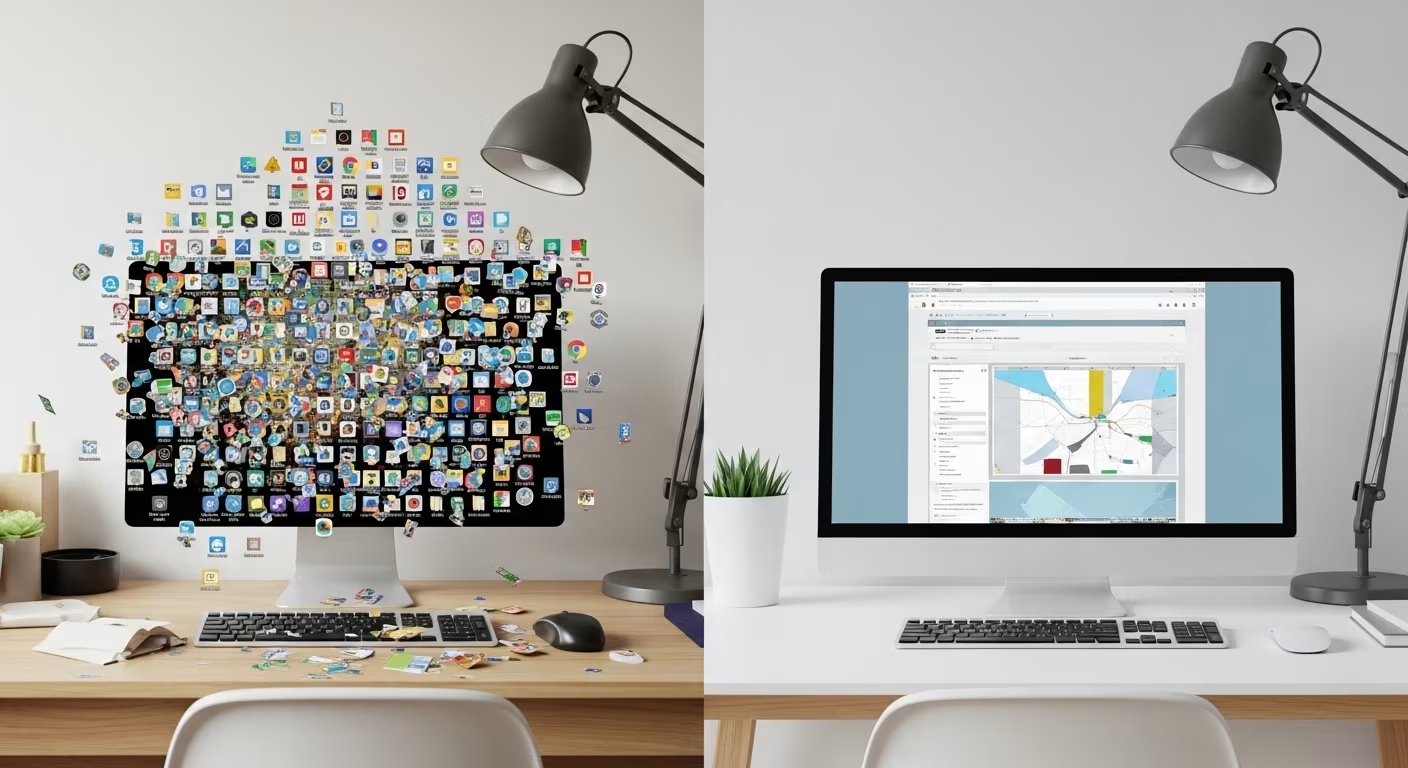

Storage Got Cheap, So the Editing Stopped
A bookshelf holds maybe 40 books per level. A four-drawer filing cabinet fills up. Those limits did quiet work for us: adding something meant weighing it against the space it would take, so a decision happened whether we noticed it or not. Digital storage removed the wall. A terabyte of cloud space runs around $10 a month, phones ship with 128GB or 256GB, and a photo weighs three or four megabytes against all of it. When nothing pushes back, the default flips from "is this worth keeping" to "keep everything, sort it never."
The result is familiar. A camera roll in the tens of thousands. A Downloads folder that scrolls for a full minute. A bookmarks bar with folders inside folders, most of them opened exactly once. None of it is a crisis, which is part of the problem: nothing forces a reckoning, so the pile grows quietly for years.
The Three Piles: Photos, Files, Bookmarks

Digital accumulation lands in three main piles, and each one wants a different fix. Photos are the fastest-growing because they cost nothing to make — no film, no developing, no printing bill acting as an editor. A phone in a pocket can add a few thousand frames a year with no deliberate effort behind them. This lines up with NIH News in Health.
Files are the messiest. Downloads, email attachments that saved themselves, leftovers copied off an old laptop — they land on the desktop or in one folder and get searched, never browsed. The tell is that you find files by typing a name into search, because you couldn't locate them by looking. Bookmarks are the quietest and the most self-deceiving. Saving a long article delivers the feeling of having read it without the twenty minutes of actually reading it, so the list grows while the reading doesn't.
The three piles share one root: saving is the default action and deleting is the deliberate one. Keeping a file requires no decision — it just stays. Removing it requires a choice, however small. That asymmetry is why the piles only ever grow. Understanding it helps, because it reframes the inertia of a thousand unsorted files as what it is: not a thousand decisions to keep, but the absence of any decision at all.
A Retention Rule for Each Type
Vague intentions ("I'll sort it someday") are why the pile exists. A concrete rule per category makes the culling automatic instead of a series of tiny agonized choices. The table below is the one I run twice a year — each row is a default you can override, not a law.
| What it is | Delete on sight | Keep only if |
|---|---|---|
| Photos | Blurry shots, duplicates, screenshots of receipts, accidental captures | You would be genuinely sorry to lose it |
| Downloads | Anything never opened; installers already run; PDFs you can re-download | You couldn't find it again in two minutes |
| Bookmarks | Anything untouched for 6 months | You return to it as an actual reference |
| Marketing, notifications, threads over a year old | You've searched for it before |
The two-minute test in the third column does most of the work. If a file is recoverable in under two minutes when you actually need it, keeping a local copy buys you almost nothing, and deleting it costs you almost nothing.
Photos Are the Hard Part

Photos resist deletion because they carry memory, and deleting a memory feels like a small betrayal. Split the job in two so the feeling only shows up where it belongs. First pass: delete the obvious waste with no deliberation at all — the ten near-identical shots of the same sunset, the photographed parking sign, the test frame of the floor. That sweep alone tends to clear a rough fifth to a third of a large library, and none of it hurts.
Second pass: select for keeping instead of hunting for deleting. Go event by event and pull the frames worth keeping rather than judging every image for the chop. Five hundred chosen photos that tell the year well beat five thousand unsorted ones you never open — and the smaller set is the one you'll actually revisit. The genuinely irreplaceable frames deserve better than burial in a heap of thirty thousand: back them up in two places and file them by year so they can be found.
Keeping It From Rebuilding
A one-time purge is satisfying and temporary. The same accumulation paths that built the pile will rebuild it within a year unless a small habit sits in the way. The ongoing digital clutter problem is really a flow problem: the camera roll grows at whatever rate you shoot minus whatever rate you cull, and for most people the second number is zero.
Three habits keep the flow balanced and take a few minutes each. Cull new photos once a week, before a hundred becomes a thousand. Empty the Downloads folder on the first of the month — a file that served its purpose has no reason to stay. And adopt one honest bookmark policy: read it now, or don't save it. The friction of coming back to a saved link is always higher than the friction of reading it on the spot, which is why the read-later list is where good intentions go to expire. Start with the Downloads folder this week; it has the clearest keep-or-delete line and gives the fastest visible win.



Comments
No comments yet.