

Every Ping Is Someone Else's Decision
A notification is a claim on your attention that you didn't file. An app made it, on the app's schedule, because interrupting you at that exact moment is likely to pull you back in — not because the thing it's telling you can't wait. That's not a bug in the system. Attention that can be reliably summoned is worth more to advertisers than attention that can't, so the alert exists to convert your focus into a metric on someone's dashboard.
Seeing it that way changes the feel of the little red badge. It stops reading as a helpful heads-up and starts reading as what it is: an outside party deciding your next few seconds belong to them. The fix isn't willpower. It's taking the decision back and setting it once, deliberately, so the phone stops making it for you dozens of times a day.
What Actually Arrives

Almost everyone who checks their notification history for the first time is surprised by the ratio. Marketing pushes, "someone you may know" bait, a like on a photo posted three days ago, an app announcing its own update, a news alert about a story that would keep — this is the bulk of the volume for most people, and none of it needed to interrupt anything.
Both iOS and Android keep a notification history you can switch on. Turn it on, then read back the last 24 hours. The list is longer than you'd guess, and the share of it that genuinely required your attention in the moment is smaller. That gap between volume and usefulness is the whole case for an audit.
The Audit: One Question Per App
Open Settings, go to notifications, and walk the list app by app. For each one, ask a single question: does this ever carry something I need to act on within the hour, and would acting on it right then actually beat seeing it at a scheduled check later?
A short list passes cleanly. Calls and texts from real people. Calendar alerts firing at event time. Turn-by-turn directions. An actual alarm. Everything that passes stays on. Everything that fails goes silent — social media updates, breaking-news pings, promotional email, engagement nudges, anything whose content loses nothing by being read at 6pm instead of 2:14pm. Most people find that two or three apps earn a live notification and the other forty don't.
The honest version of this audit is aggressive. When in doubt, turn it off — you'll still open the app, and the information will still be there. Nothing you silenced is lost; you've only changed who decides when you see it.
Batching and Scheduled Delivery
Some alerts are worth keeping but not worth interrupting for. That's what scheduled delivery is for. Both major phone systems can hold non-urgent notifications and hand them over in a batch at set times — say a summary at noon and another at six — instead of one buzz at a time.
The math is the point. A dozen alerts arriving individually is a dozen interruptions. The same dozen delivered in two batches is two. The information survives intact; the interruption pattern collapses from twelve events to two. For newsletters, delivery updates, and the low-priority apps you didn't fully silence, batching is the middle setting between "always on" and "off."
It works because most notifications are urgent only in the app's framing, not in yours. A package marked out for delivery, a comment on a group thread, a headline from a news app — all of it reads perfectly well at noon. Batching also breaks a habit that individual alerts train: the reflex of reaching for the phone the instant it lights up. When you know the next summary lands at six, there's nothing to check in between, and the constant half-glance toward the screen has no trigger to respond to. MentalHealth.gov is a good place to verify the details.
Focus Modes Worth Setting Once

Focus modes flip the logic: instead of blocking a few offenders, they block everything except an approved short list. The trick is deciding that list ahead of time, at a calm moment, rather than mid-crisis when every app feels urgent.
Three profiles cover most lives. A sleep profile that admits only calls from immediate family and real emergency alerts — nothing else reaches the nightstand. A work profile tuned to the job: calendar alerts, the two or three project channels that matter, calls from a handful of key people. And a personal or leisure profile that's looser but still keeps the highest-volume, most reflexive apps quiet. Set these up once, tie them to a schedule or a location, and the phone changes its own boundaries as your day changes without you touching a thing.
Silence the Badges, Not Just the Banners
Turning off the pop-up banner is only half the job. The little red number on an app icon is a notification too — a quieter one that works by nagging every time you glance at the home screen. A badge showing 47 unread items pulls you into the app just as reliably as a buzz, except it does it passively, all day, without a single sound. Both iOS and Android let you kill badges per app separately from banners and sounds, and for social feeds, email, and shopping apps that's the setting worth flipping.
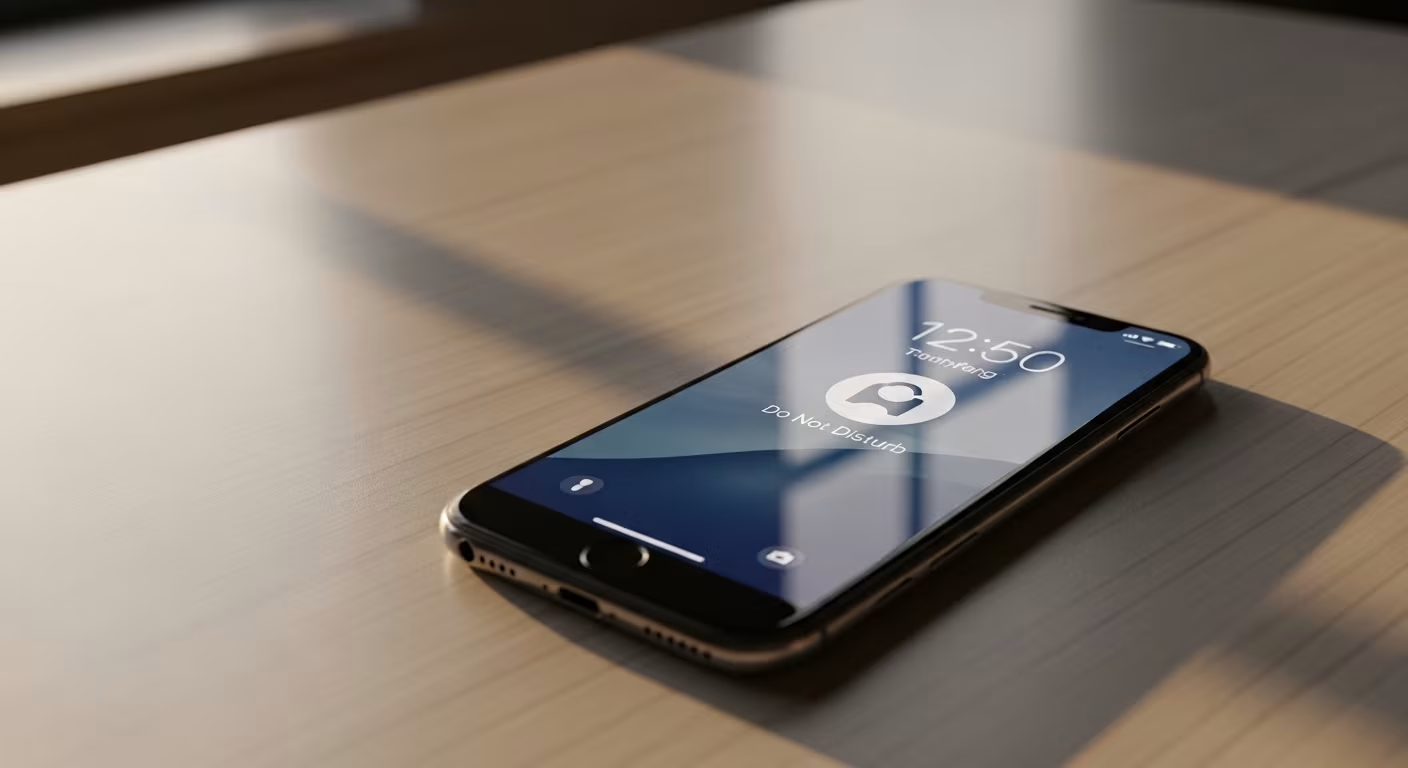
The lock screen deserves the same scrutiny. A phone face-down on the desk still lights up with every arriving preview, and each flash is an invitation to pick it up. Turning off lock-screen previews for everything except calls and messages means the phone can sit in view without advertising a reason to grab it. The combined effect of muting banners, badges, and lock-screen previews is a device that genuinely waits for you instead of one that merely waits more quietly.
The Real Cost Is the Recovery Time
The obvious cost of a notification is the ten seconds it takes to read and swipe away. The hidden cost is bigger. Attention doesn't snap back the instant the interruption ends — reorienting to what you were doing takes its own time, so a ten-second glance during focused work can drain several minutes of usable concentration. Interruptions cost far more than their duration, and that surcharge is invisible in the moment: the alert seems minor, the distraction seems brief.
It only shows up in aggregate. Across a workday sliced by interruptions, the total time available for deep, continuous thought is much smaller than the calendar claims. This is the true cost of a busy notification tray — not the seconds spent reading, but the stretches of concentration that never form because the next buzz was always close. Writing, planning, analysis, anything cognitively demanding runs on exactly the uninterrupted stretches that constant alerts prevent.
The change people notice most isn't fewer interruptions — it's the quieter background state. A phone that pings all day keeps you in a low hum of anticipation, half-waiting for the next demand. Silence most of it and that hum fades, and longer runs of unbroken attention open back up. Do the audit once, set the three focus profiles, and revisit it in six months when new apps have quietly added themselves back to the noise. The first pass takes fifteen minutes; the ones after take five.
The pass/fail audit:
| Step | Action |
|---|---|
| Read back 24 hours | which interruptions deserved your attention? |
| Everything that fails | silent: social, news pings, promos, nudges |
| Badges too | 47 unread pulls as hard as a buzz — passively, all day |


Comments
No comments yet.