

Why Digital Clutter Slips Under the Radar
Physical clutter argues its own case. A counter buried in objects is uncomfortable to look at, and the discomfort itself pushes you to deal with it. Digital clutter works differently. A phone holding 3,000 unread emails, 47 installed apps, and 8,000 photos is functionally a mess, but from the outside it looks identical to a phone that is perfectly ordered. There is no visual pressure, so the backlog grows unchecked for years.
The cognitive load is real even when it is invisible. An inbox with thousands of unread messages generates a low hum of unfinished business every time you open it. A home screen packed with three dozen apps adds a small tax of decision-making to every unlock. A downloads folder holding three years of files turns "find that PDF" into a search expedition. The weight is there; it is just quieter than its physical equivalent, which is exactly why it is worth clearing on purpose rather than waiting for it to bother you.
Start With the Inbox

For most people the inbox is the highest-impact place to begin, because it is checked more often than any other digital space and shapes the daily experience most directly. The goal is not inbox zero, which is a maintenance standard rather than a one-time project. It is clearing enough of the backlog that the inbox becomes a usable tool again instead of a scrolling wall of guilt.
The fastest route through a large backlog is to archive everything older than three months in a single sweep, then work only the recent remainder. Archived mail stays fully searchable, so nothing is actually lost; it is simply filed instead of hovering as an unread count. Most email clients let you select a date range and archive it in one action, turning 4,000 unread messages into a few dozen recent ones in under a minute. From there, process what is left the ordinary way: delete, reply, or drop into a reference folder.
Clearing the backlog only matters if you also close the tap. Deleting a marketing email you never read is treating the symptom; unsubscribing removes the source. A focused half hour spent unsubscribing, and the FTC's own guidance on cutting down unwanted email at the source is a sensible reference here, can meaningfully drop your daily inbound volume within a week. Every list you leave is a small recurring cleanup you never have to do again.
Photo Libraries: Sweep by Category, Not by Picture
Phone photo libraries balloon because taking a picture costs nothing. The result is a library of thousands, a large share of which are duplicates, near-identical burst shots, blurry misfires, and screenshots saved for a moment that has long passed. Going through such a library one image at a time is the reason most people never start; the task feels endless before it begins.
The efficient move is to sweep by category. Do all screenshots in one pass, all obvious duplicates and blurry shots in another, and all photos-of-objects (receipts, parking spots, menus, a whiteboard snapped for later) in a third. These groups tend to make up a startling proportion of a big library, and they carry almost no emotional weight, so they clear quickly. Most phone galleries let you filter to screenshots directly, which turns the single biggest category into a two-minute delete.
Once the throwaway categories are gone, what remains is smaller and genuinely worth reviewing. Let the phone's automatic grouping by date and location do the organizing for you, and the library becomes an actual record of moments that mattered rather than a bottomless scroll. The point is not a perfectly curated archive; it is a library you would willingly open.
The Apps You Can't Name
Most phones carry a layer of apps opened once and never again: the airline app from a trip two years ago, the parking app for a city you visited once, the game installed and abandoned in a week. The quickest test for what to remove is to scroll the full app list and note every icon whose name you have to read to remember what it does. An app you cannot identify on sight is an app you are not using.
Deleting them does more than free storage. A shorter, more deliberate set of apps reduces the friction of every unlock and quietly weakens the reflex to open something just because it is there. On both major platforms you can also review which apps you have simply not opened in the last few months and clear them in a batch.
The Subscription Audit
App cleanup pairs naturally with a subscription audit, because the two often overlap. Recurring charges are easy to forget once the sign-up is behind you, and a streaming service, a cloud tier, a meditation app, and a trial that quietly converted can add up to $40 or $50 a month that buys almost nothing. Pull up your app store's subscription list and scan a recent bank or card statement side by side; the total for things you barely touch is usually higher than the guess you would have made.
Cancel what you are not using before the next renewal date rather than after, so the saving starts immediately. For services you are genuinely undecided about, downgrading to a free tier or a cheaper plan is a middle option that keeps the tool without the full charge.
Files and Cloud Storage
Downloads, saved documents, and years of email attachments pile up quietly across both local drives and cloud accounts. A workable approach is to sort the downloads and documents folders by date and clear anything clearly outdated or already duplicated by a better-organized copy elsewhere. The aim is not a museum-grade reorganization of every file; it is removing the volume that serves no current purpose, which is where most of the drag lives.
Cloud storage rewards this attention especially well, because it is where forgotten weight collects invisibly: backups from a phone you no longer own, a folder of raw video uploaded once and never opened, three copies of the same set of files. Clearing these often reclaims enough space to drop a paid storage tier, turning a cleanup session into a small recurring saving.
A quick way to find the worst offenders is to sort any cloud folder by file size rather than by date. A handful of large videos and old device backups usually account for the bulk of the space, so deleting five or six items can free more room than sorting through five hundred small documents. Once the space is back under control, most cloud services let you turn off automatic uploads for categories you do not need backed up, such as screenshots or app-generated files, which slows the refill so the next audit is smaller than this one.
The Desktop and the Browser
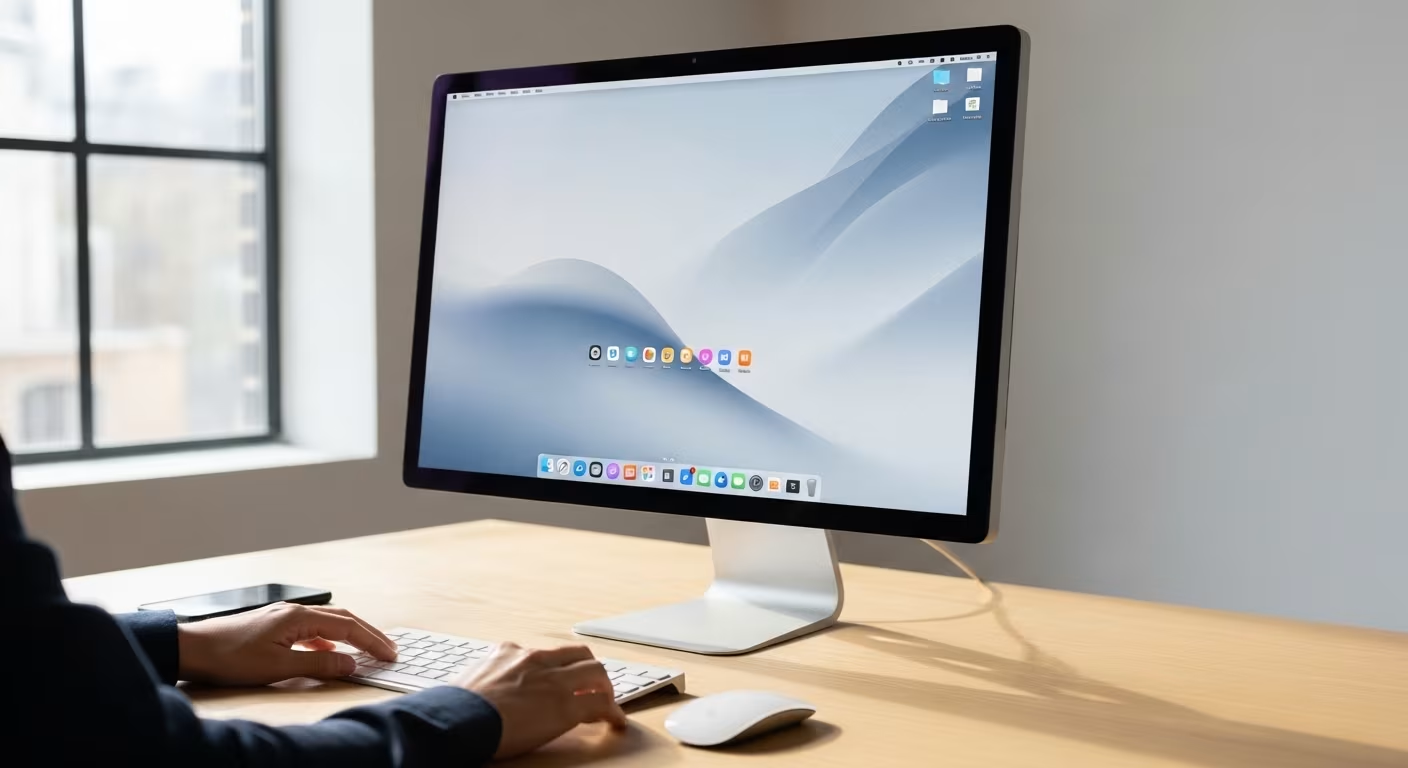
Two spots do a disproportionate amount of daily damage: the computer desktop and the browser. A desktop tiled with files is the visual twin of a cluttered physical desk. Every visible icon is a small distraction, and finding one specific file means scanning past all the rest each time.
An organized desktop holds only what is in active use right now: the document you are working on, a folder for the current week. Everything else belongs in the documents structure. Clearing a crowded desktop to that standard takes one focused session of fifteen to thirty minutes and changes how it feels to open the computer every single morning after.
The browser is the desktop's neglected cousin. Dozens of open tabs kept "to read later," a bookmarks bar so full it has become useless, and a saved-articles list nobody revisits all add friction. Close the tabs, moving anything genuinely worth keeping into a single reading list, and prune the bookmarks down to the handful you open weekly. A browser that opens to a few trusted tabs is a calmer starting point than one that greets you with thirty.
The Notification Audit
Notifications are how digital clutter escapes the screen and colonizes the rest of your day. The default state for most phones is dozens of apps permitted to interrupt at will, producing a steady drip that fragments attention and creates the sensation of being digitally overwhelmed even when the phone is in your pocket.
A notification audit reverses the default. Go through every app's notification permission and switch off everything that is not genuinely time-sensitive. Most notifications serve the app's interest in pulling you back, not yours; a shopping app announcing a sale is a prompt, not an alert. Pare the list down to calls, messages from specific people, and calendar reminders, and the phone interrupts a fraction as often. Of everything in a digital declutter, this is frequently the change people notice first, because the quiet is immediate.
Keeping the Space Clear
Digital spaces slide back into clutter through the same mechanism as physical ones: things arrive faster than they are processed, collect in inboxes and downloads folders, and build into a backlog that once again feels too big to face. The habit that prevents the relapse is small and regular: a thirty-minute pass, weekly or monthly, to clear recent accumulation before it hardens into a backlog. A digital life tended with brief steady attention never needs another marathon cleanup. It is the same inflow logic behind our guide to the one-in, one-out rule, applied to bytes instead of belongings: manage what comes in, and the total stops growing on its own.
The three highest-yield moves:
| Move | Mechanics |
|---|---|
| Bulk-archive by date | 4,000 unread → a clean inbox in one action |
| App cut | 47 installed → the ones opened this month |
| Subscription sweep | streaming + cloud + meditation tiers billed since sign-up |



Comments
No comments yet.